What is Enhanced Asset Information?
Enhanced Asset Info is a powerful feature of the Counterparty protocol that allows asset issuers to attach rich, structured metadata to your tokens that goes far beyond the standard 256-character description field.
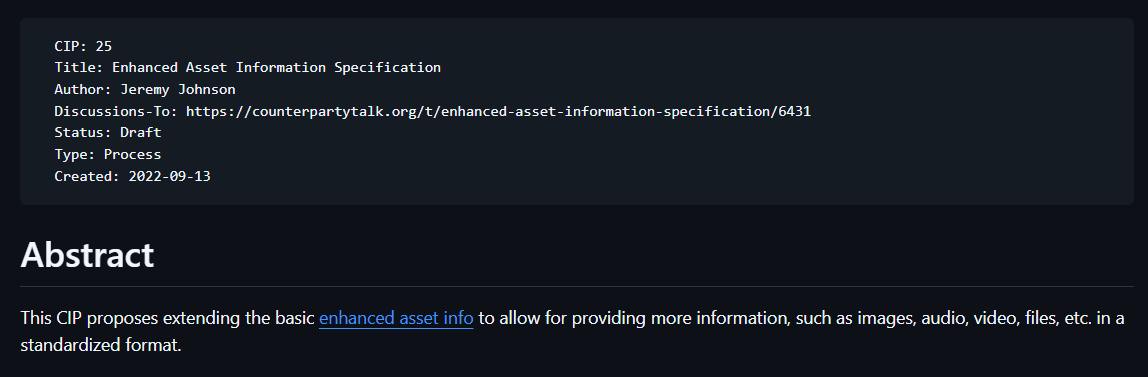
By setting an asset’s description with a correct prefix or even a specially formatted URL (pointing to a JSON file or other supported formats), wallets, explorers, and other tools can automatically display images, extended descriptions, websites, social links, media embeds, and more. This Enhanced Asset Information turns plain tokens into visually rich, expressive assets by integrating Counterparty Improvement Proposal 25.
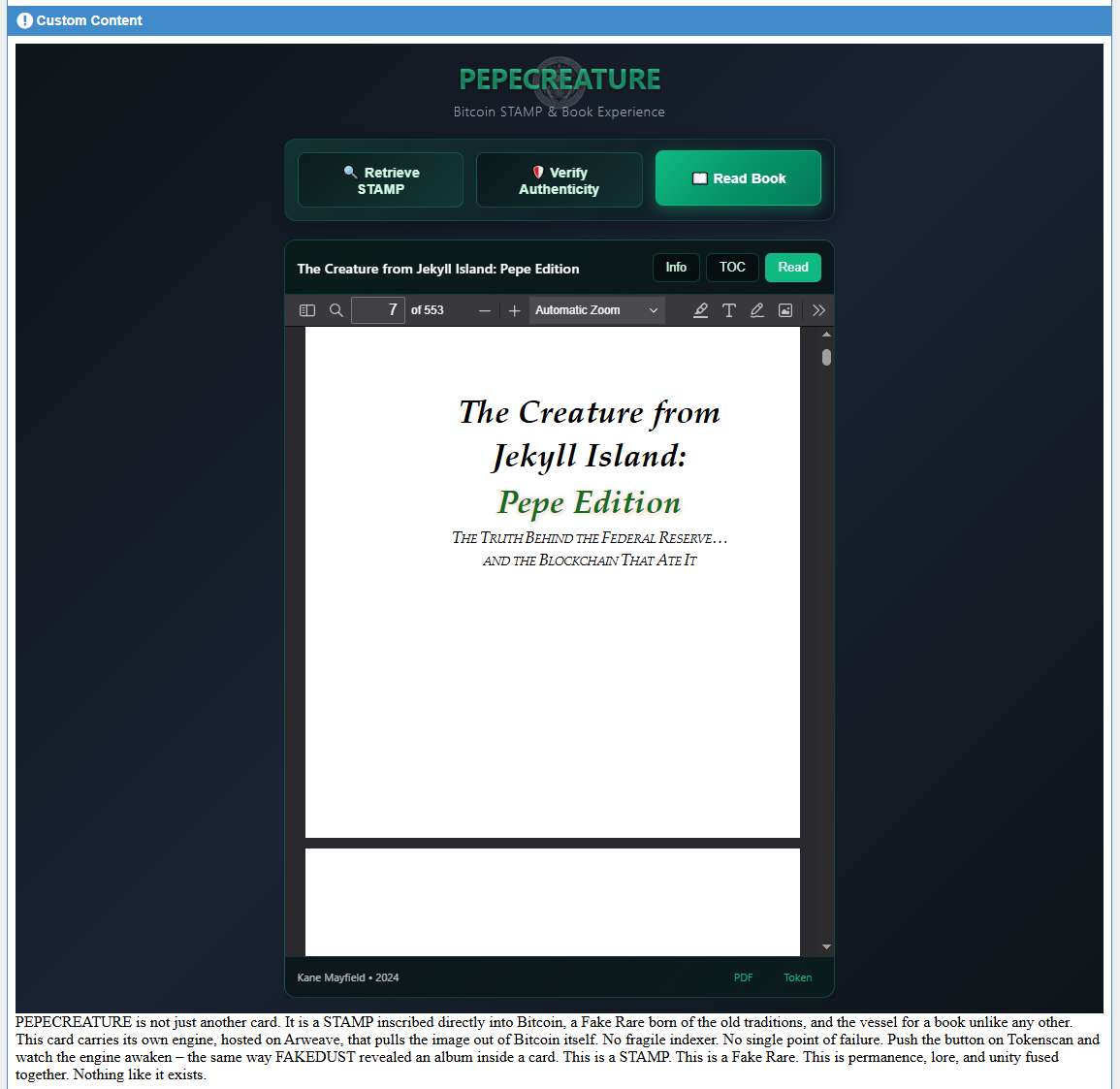
Below is custom content added to the PEPECREATURE token by Kane Mayfield. PEPECREATURE is an entire sci-fi novel within a Counterparty token.
Because of Enhanced Asset Information, PEPECREATURE is also a Bitcoin STAMP, includes video, images, hidden content, limited edition digital music albums, history, videos, augmented reality content, even includes a subasset 'PEPECREATURE.THEAUDIOBOOK' (a full audiobook within a subasset token) and more...
Some of these features mentioned requires ownership of the PEPECREATURE token or ownership of the physical novel... while simply reading the book does not require purchase at all.
How does Enhanced Asset Info work?
When issuing or reissuing an asset, you can place a URL in the description field instead of plain text. Supported formats include:
- JSON metadata files (most powerful option to include all types of content)
- Special prefixes such as
imgur/,soundcloud/,youtube/,ipfs:,ord:, etc. - Simple image URLs (
.png,.jpg,.gif, etc.)
Compatible Counterparty Wallets and Counterparty Block Explorers periodically fetch this data and display it beautifully in token views, portfolios, and leaderboards.
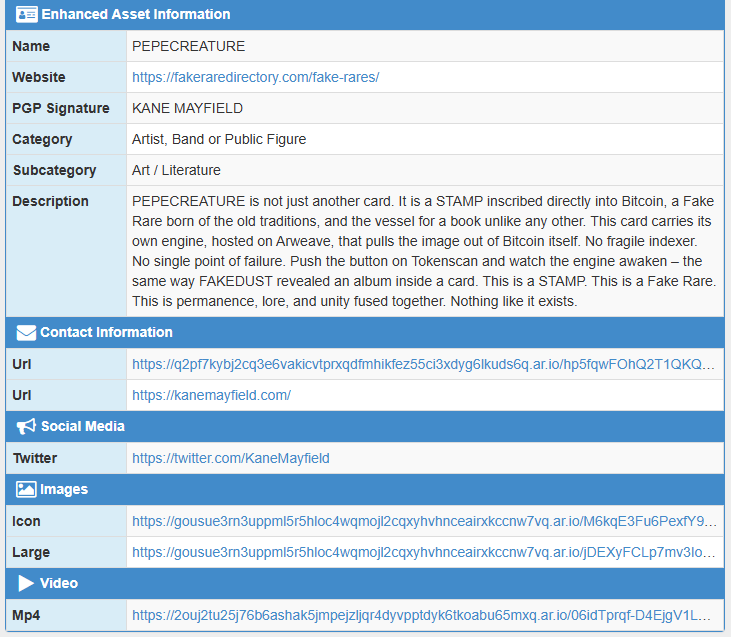
Below is the same PEPECREATURE token, but with the links to the Enhanced Asset Information within the JSON as shown on tokenscan.io.
The community-driven CIP-25 greatly expands the possibilities with support for:
- Multiple images and galleries
- Audio, video, and HTML embeds
- Categories, tags, social links
- Files, owner information, and more
Popular hosting solutions include Arweave (via pepetools.site or ArDrive), GitHub, IPFS, raw BASE-64, Ordinals inscriptions (via inscribe.dev) or even something else you might like to experiment with.
Enhanced Asset Information enables endless possibilities such as blockchain game token data, full album releases, NFT-style experiences, interactive media, movies and documentaries, research data and complex creative projects all tied to a single Counterparty token (or even multiple Counterparty tokens).
There is still current community discussion on how to enhance this feature even more.
Why use Enhanced Asset Info?
- Gives tokens a professional, visual identity
- Enables developers, artists, coders and creators to embed music, videos, and rich interactive content
- Improves user experience across all supporting wallets and explorers
- Adds user trust through verifiable links, signatures, immutable storage and more
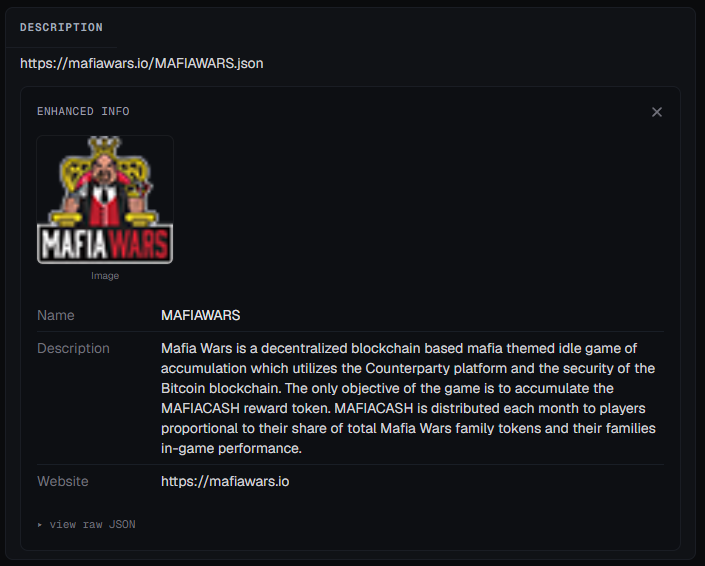
Below is an example of a token used in the Mafia Wars game that used a few aspects of the Enhanced Asset Information as seen on the xcp.io Counterparty Block Explorer.
How do I use Enhanced Asset Info?
For full technical specifications, see the original Enhanced Asset Info documentation and CIP-25.
- Tools like Pepetools.site (Arweave) and Inscribe.dev (Ordinal Inscription) make the process user-friendly even for non-technical creators, though there are many different ways to host your data.
- RarePepeWallet supports uploading image files to IPFS within the wallet
- Check out this guide for hosting your JSON using Github by Subterranean or even hosting with Arweave and Ardrive as explored by RobotLoveCoffee's other videos on his YouTube page.
The process (manually) is as follows:
- Issue your Counterparty Asset
- Host your JSON and media files on a reliable, preferably permanent service
- Validate your JSON structure
- Paste the JSON link to the 'description' field of your Counterparty asset
- View the result on any supporting Counterparty Block Explorer